Convert images to PDF
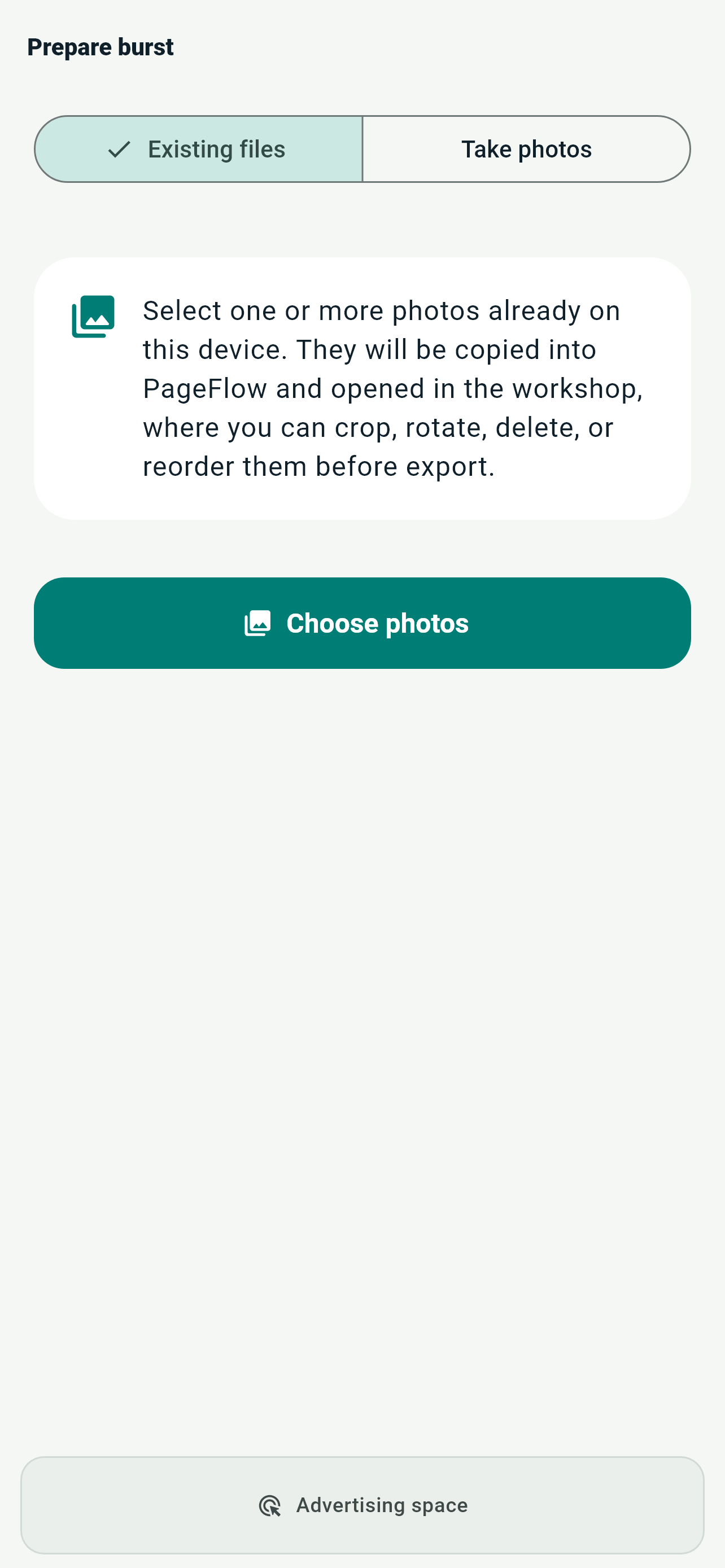
Select several images already stored on your device. PageFlow gathers them in your chosen order and prepares a consistent document.
- Import multiple images at once
- Preview, reorder, crop, and delete
- Create one optimized PDF
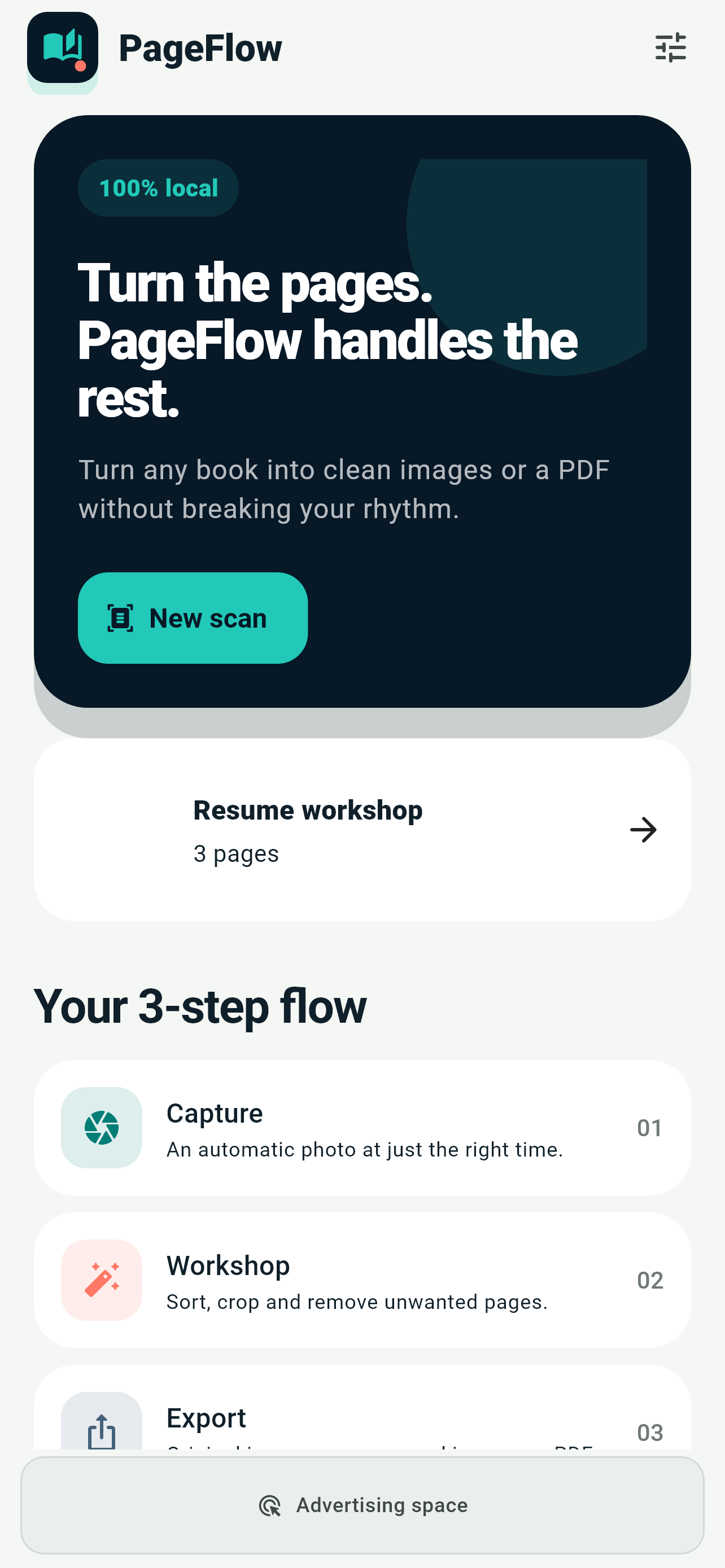
Import the images you need or photograph pages directly. PageFlow organizes, crops, and converts them to PDF entirely on your phone, without collecting any data.

PageFlow brings existing images and new photos into the same workshop, with no detour between multiple apps.
Select several images already stored on your device. PageFlow gathers them in your chosen order and prepares a consistent document.


Open the camera from PageFlow, capture your pages, and create the PDF in the same workflow. No intermediate export or re-import.
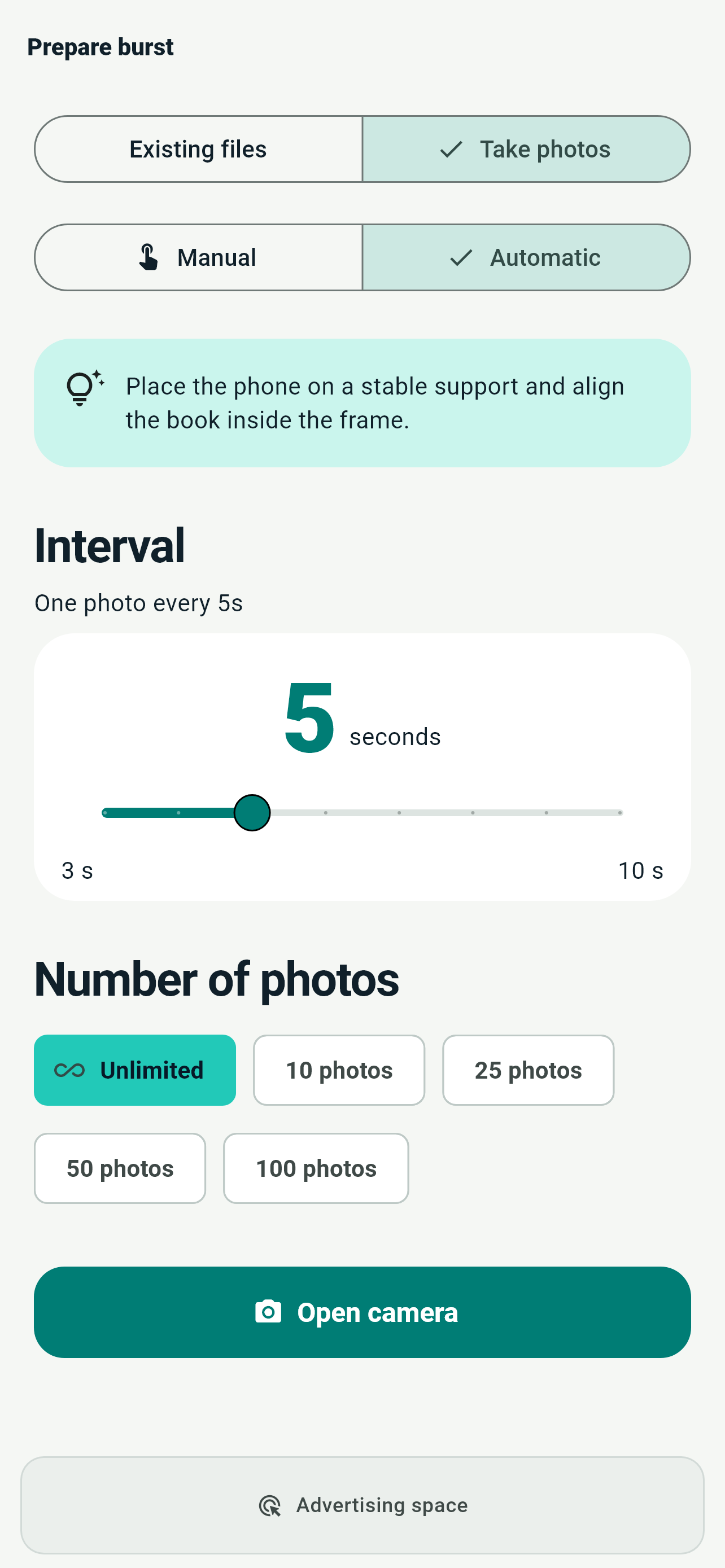
Choose existing images or take pictures one by one, manually or at an automatic interval.
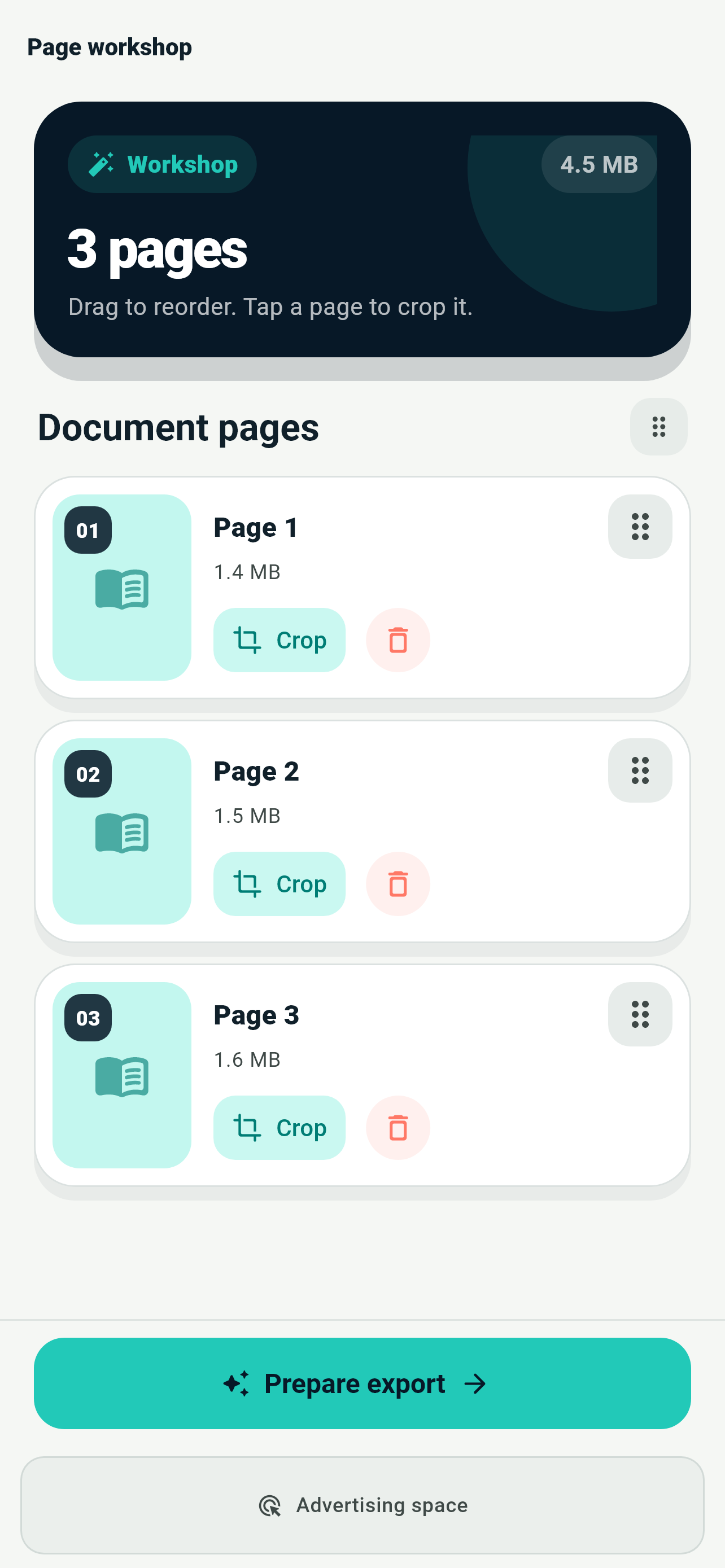
Change the order, crop what matters, and remove unwanted shots before creating the file.
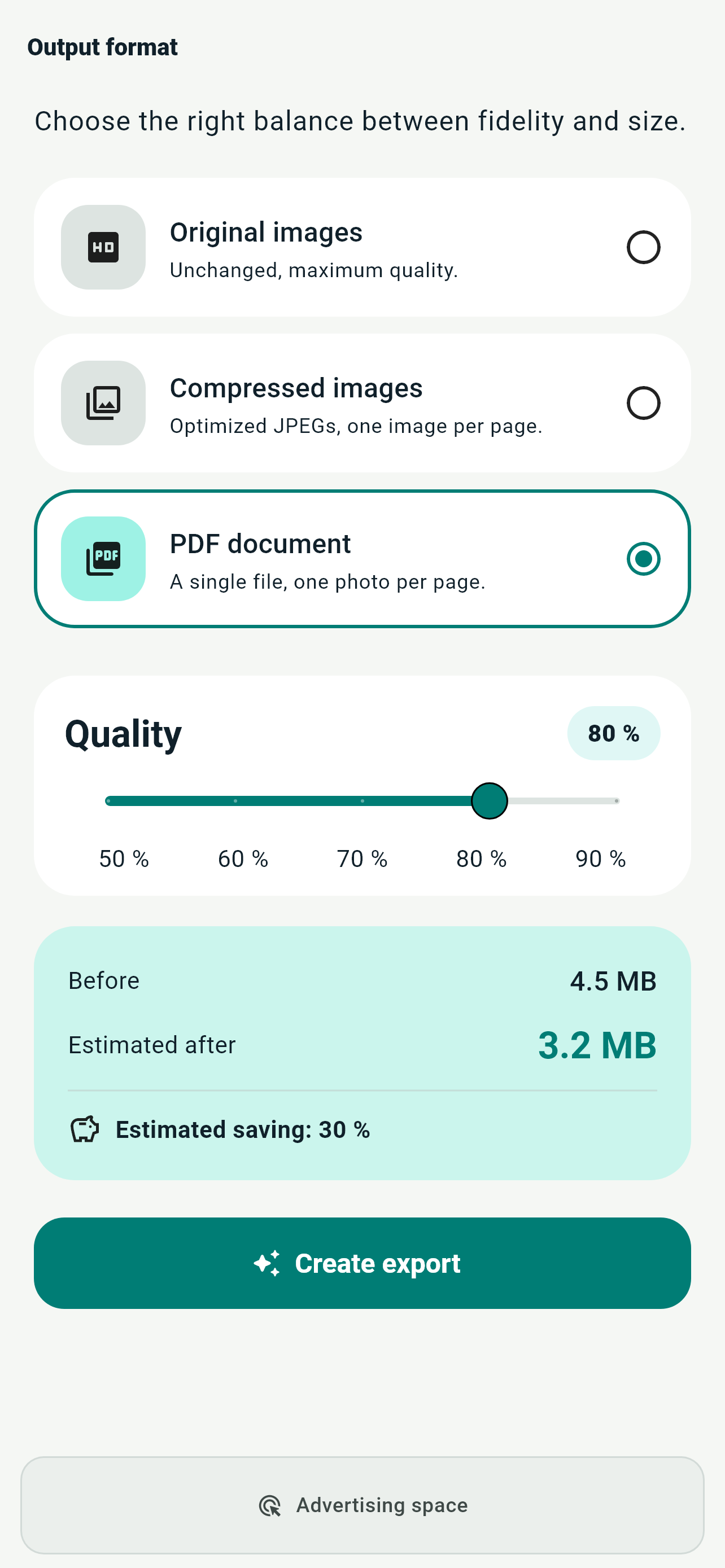
Create an optimized PDF, keep the originals, or generate compressed JPEG files, then share the result.
Manual mode keeps you in control, while automatic mode lets you turn pages without touching the screen.
A clear overview for reordering, cropping, or removing pages before export.
Optimized PDF, original images, or JPEG files with several quality levels.
An estimate helps you choose quality and compression before creation begins.
Use the system share sheet, save your files, or configure a secure FTP transfer.
Light and dark themes, resume your latest workshop, and a broadly localized interface.
Review the whole project before creating the final file. PageFlow stays visual from the first picture to sharing.


Your photos, images, and PDFs stay on your phone or tablet. Every operation and conversion runs locally: no account, no upload to a PageFlow server, and no collection of your documents or data by PageFlow.
Find answers to common issues and everything you need to contact us.